 11
11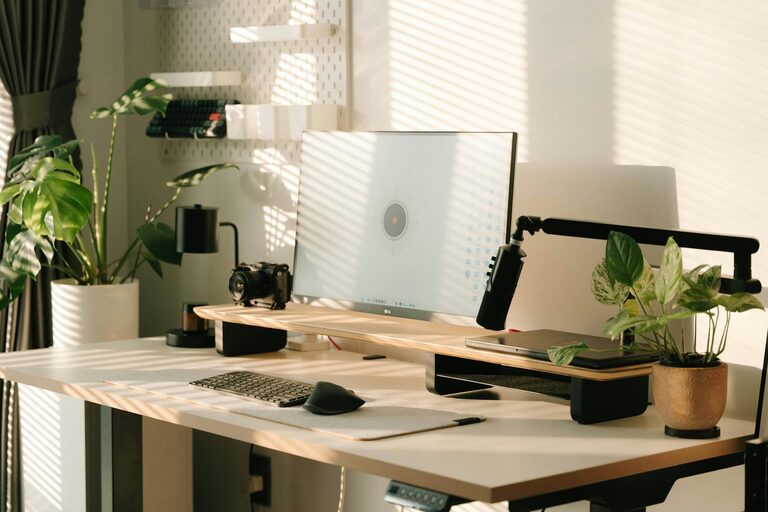
Creating a productive home office space is essential for anyone working remotely or managing tasks from home. A well-designed workspace can improve focus, reduce distractions, and enhance overall work performance. Whether you have a dedicated room or a small corner, these tips will help you set up a home office that supports your productivity and comfort.
The first step in setting up a productive home office is selecting the best spot in your home. Consider the following:
– Quiet Area: Find a place away from household noise and heavy foot traffic.
– Natural Light: Choose a space with access to natural light, which can boost mood and energy.
– Ventilation: Ensure proper airflow to keep the environment fresh and comfortable.
– Space: Make sure there is enough room for your desk, chair, and any necessary equipment.
If a dedicated room isn’t possible, create a defined workstation in a less busy area, like a corner of the living room or bedroom.
Comfort is key to maintaining productivity throughout the day. Ergonomic furniture helps prevent strain and injury.
– Desk: Find a desk with enough surface area to hold your computer, documents, and supplies.
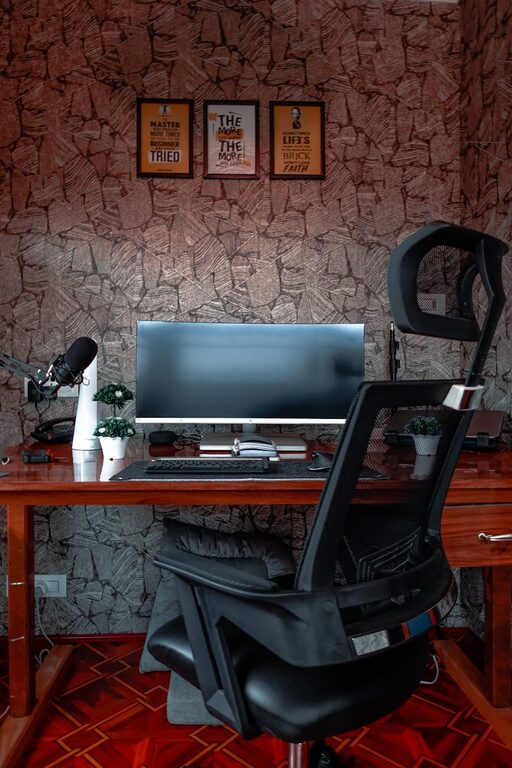
– Chair: Choose an adjustable chair with good lumbar support to encourage proper posture.
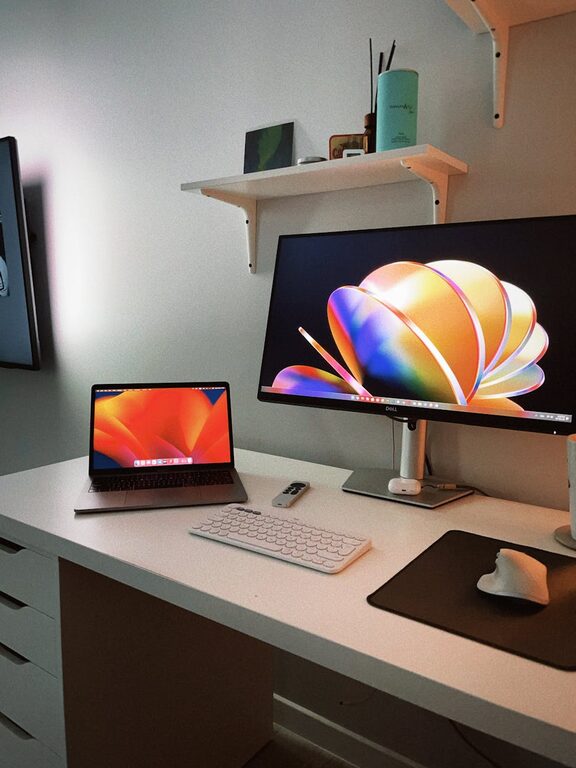
– Monitor Height: Position your computer monitor so the top of the screen is at eye level to reduce neck strain.
Consider accessories like a keyboard tray or footrest if needed to maintain comfort.
A cluttered desk can lead to a cluttered mind. Organization enhances focus and efficiency.
– Declutter: Keep only essential items on your desk to minimize distractions.
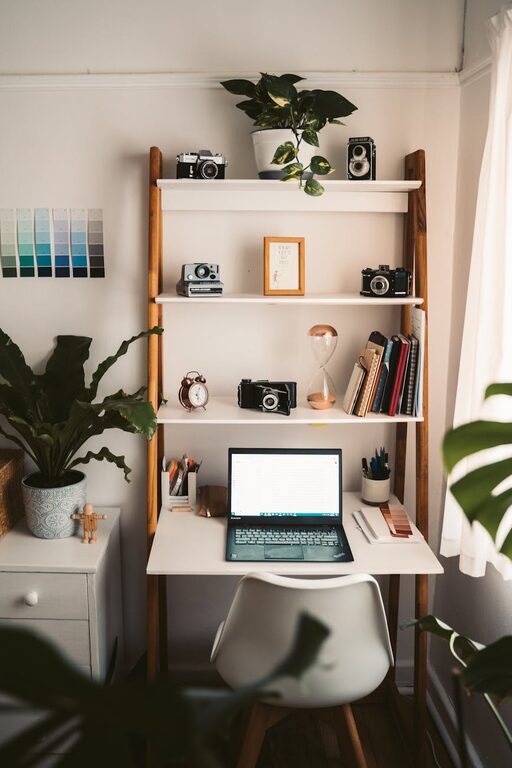
– Storage Solutions: Use shelves, drawers, and organizers to store supplies neatly.
– Cable Management: Use clips or ties to keep cables untangled and out of sight.
– Daily Tidy-Up: Spend a few minutes at the end of each day tidying your workspace.
Good lighting reduces eye strain and improves concentration.
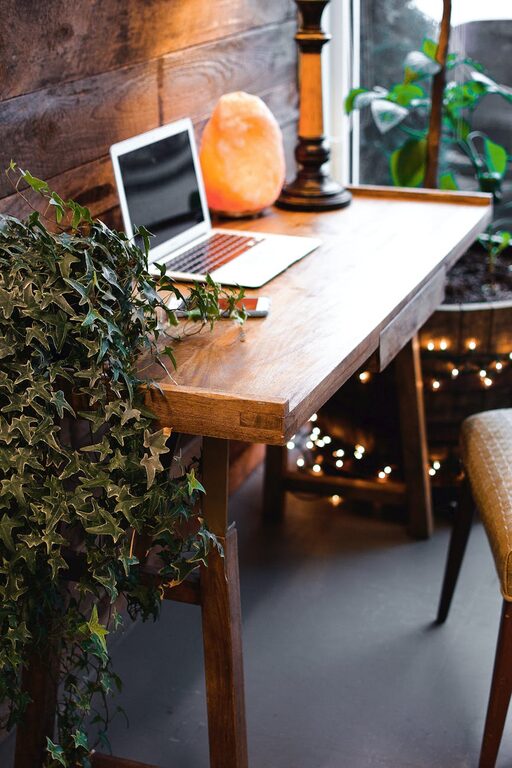
– Natural Light: Maximize daylight by positioning your desk near windows.
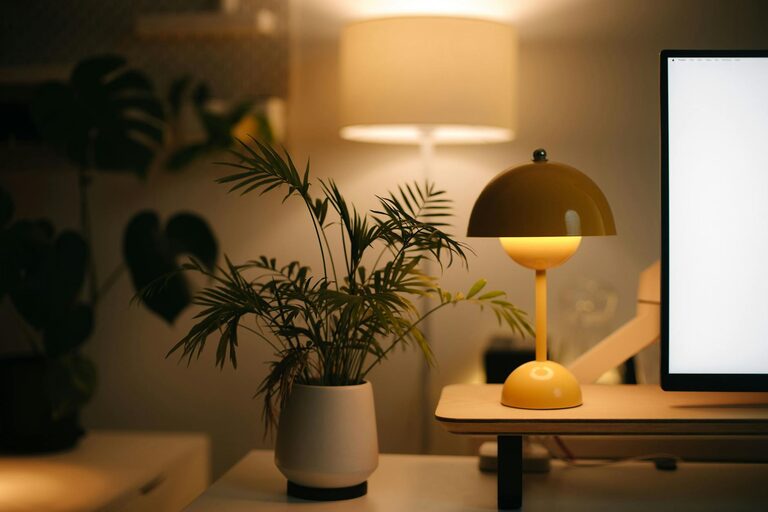
– Task Lighting: Use a desk lamp with adjustable brightness for focused work.
– Avoid Glare: Position screens to minimize glare from windows or lights.
Staying focused can be challenging at home. Try these tips to limit interruptions:
– Set Boundaries: Let family members or roommates know your work hours.
– Use Headphones: Noise-cancelling headphones can block out background noise.
– Turn Off Notifications: Silence non-essential notifications on your devices during work hours.
– Create a Routine: Establish a consistent work schedule to build focus habits.
A comfortable and inspiring environment can boost motivation.
– Add Plants: Greenery improves air quality and creates a calming atmosphere.
– Wall Art: Hang pictures or motivational quotes to make your space uplifting.
– Comfort Items: Include a cozy blanket or cushions for added comfort.
Just be mindful not to over-decorate to avoid distraction.
Technology is a powerful tool but can also cause distractions.
– Reliable Equipment: Use quality devices with good performance and internet connection.
– Useful Apps: Take advantage of productivity apps for task management and time tracking.
– Backup Plan: Have a backup charger or power source in case of outages.
Sitting for long periods isn’t ideal for health or focus.
– Take Regular Breaks: Follow the 50/10 rule—50 minutes of work, 10 minutes of rest.
– Stretch or Walk: Use breaks to stretch or take a short walk to refresh your mind and body.
– Consider a Standing Desk: Alternate between sitting and standing if possible.
Creating a productive home office involves a blend of thoughtful design, comfort, and organization. By choosing the right location, investing in ergonomic furniture, minimizing distractions, and personalizing your space, you can enjoy an efficient and enjoyable work-from-home experience. Remember to incorporate breaks and maintain a routine to keep productivity levels high and ensure wellbeing throughout your workday.